
How to Install Vedu APK on Android
Installing an APK is a straightforward process when the file is compatible with your Android device and comes from a trustworthy source. If you are looking for how to install Vedu APK on Android, this guide explains the basic process, compatibility checks, and common issues you may encounter.
What Is a Vedu APK?
A Vedu APK is an Android application package that can be used to install the Vedu app on a compatible Android device. Unlike an app already installed through an app store, an APK is provided as an installation file.
Before installing one, make sure you know where the file came from and that it is appropriate for your device.
Check Your Android Device First
Before starting the installation, check a few basic requirements:
- Your device should support Android applications.
- Make sure there is enough available storage.
- Check that your Android version is compatible with the APK.
- Use a stable internet connection when downloading the file.
- Only use an APK from a source you trust.
Compatibility can vary between different Vedu releases, so avoid assuming that every APK will work on every Android device.
How to Install Vedu APK on Android
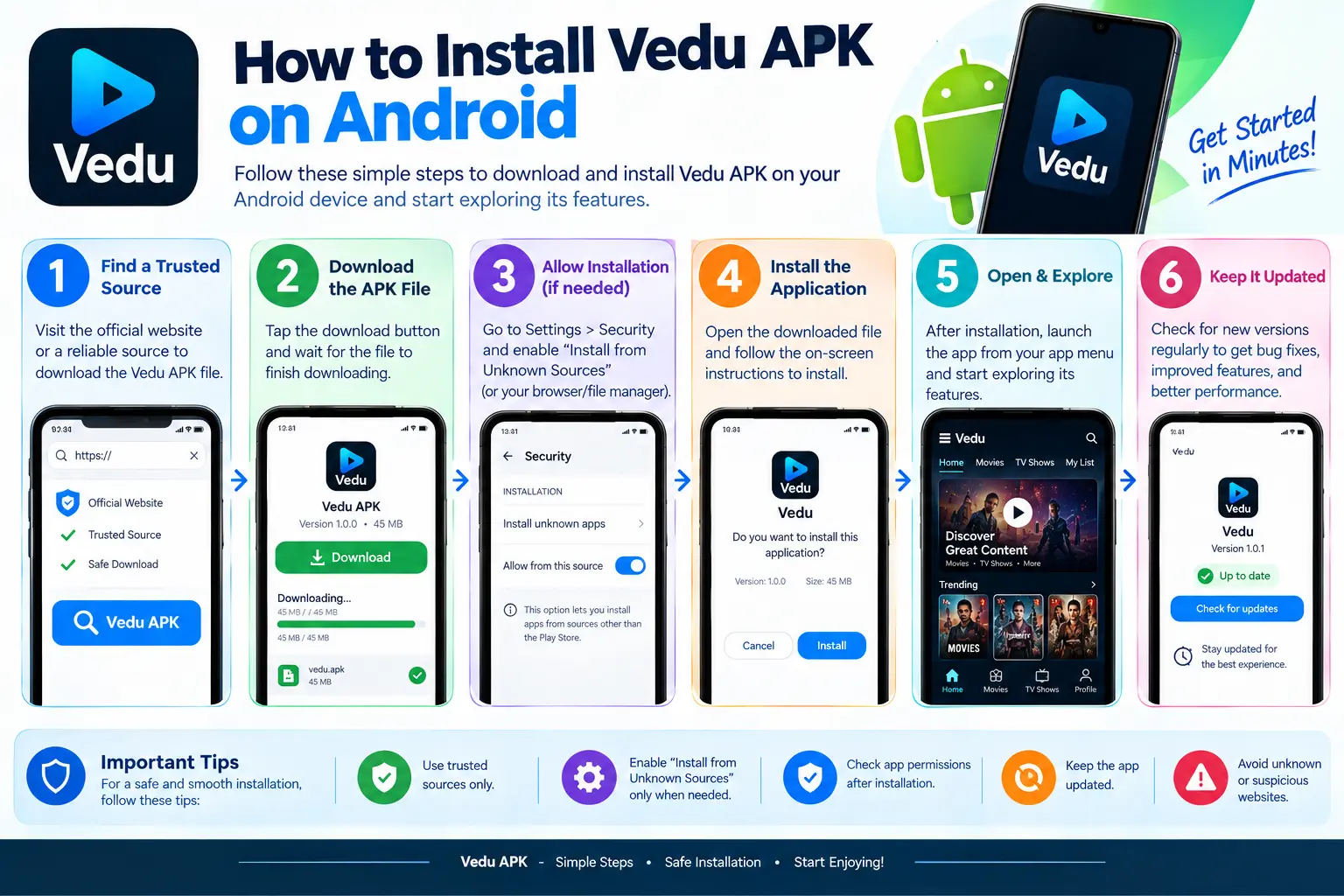
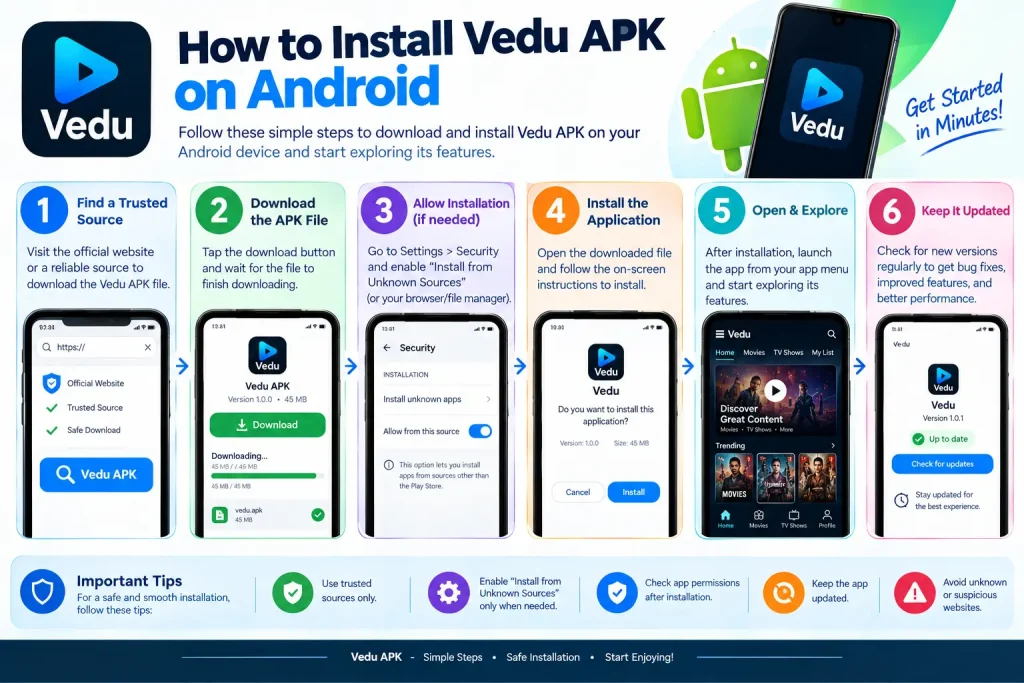
Once you have a legitimate and compatible APK file, the general installation process is:
1. Download the APK
Obtain the Vedu APK from a source you trust. Make sure the download completes successfully before attempting installation.
2. Find the Downloaded File
Open your device’s file manager or the Downloads section of your browser. Locate the Vedu APK file you downloaded.
3. Start the Installation
Tap the APK file and follow the installation prompts displayed by Android.
Depending on your Android version and security settings, the device may display a warning when an APK comes from outside its normal app-distribution system.
4. Review the Prompt Carefully
Read the information shown by Android before proceeding. If anything looks unexpected, stop and verify the file’s source rather than ignoring the warning.
5. Open the App
After installation finishes, you can open Vedu from the installation screen or your device’s app list.
If you cannot complete the installation, the problem may be related to compatibility, the APK file, storage, or Android security settings.
What If Vedu APK Will Not Install?
If the APK fails to install, first determine what type of error you are seeing.
Common causes include:
- Incompatible Android version
- Damaged or incomplete APK
- Insufficient storage
- An existing conflicting app installation
- Device security restrictions
- Incorrect or modified APK file
Downloading the same problematic file repeatedly is unlikely to solve the issue. Instead, verify the file and check your device’s compatibility.
For related issues, see our Vedu App Install and Vedu Download Problems guides.
Check the APK Before Installation
An APK filename alone does not prove that a file is genuine. Before installing, consider whether the source is trustworthy and whether the file matches the application you intended to download.
Be particularly cautious with modified APKs or files from unknown websites. Avoid disabling important device security protections simply to install an unfamiliar file.
Can Vedu APK Be Installed on iPhone?
No. APK is an Android package format and cannot be directly installed on an iPhone or iPad.
If you use an Apple device, check whether an official iOS version of the application is available instead of trying to install an Android APK.
How to Uninstall Vedu
If you later decide to remove the app, use your Android device’s normal app-management settings. Select Vedu and choose the uninstall option available on your device.
Uninstalling removes the installed application, but downloaded personal files may need to be removed separately depending on where they were stored.
Final Thoughts
Knowing how to install Vedu APK on Android can help you complete the installation without unnecessary troubleshooting. Start by checking compatibility, storage, and the reliability of the APK source.
If installation fails, identify the specific error before trying another file. This makes it easier to determine whether the problem is with the APK, your Android device, or the installation process.